1、打开PowerPoint软件。
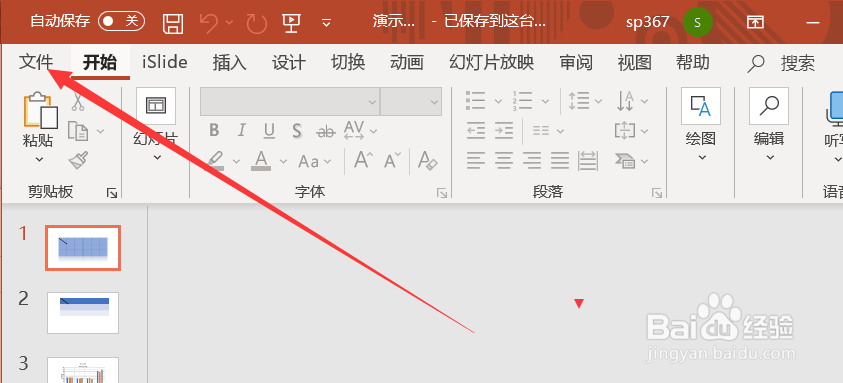
2、点击“文件”选项卡。
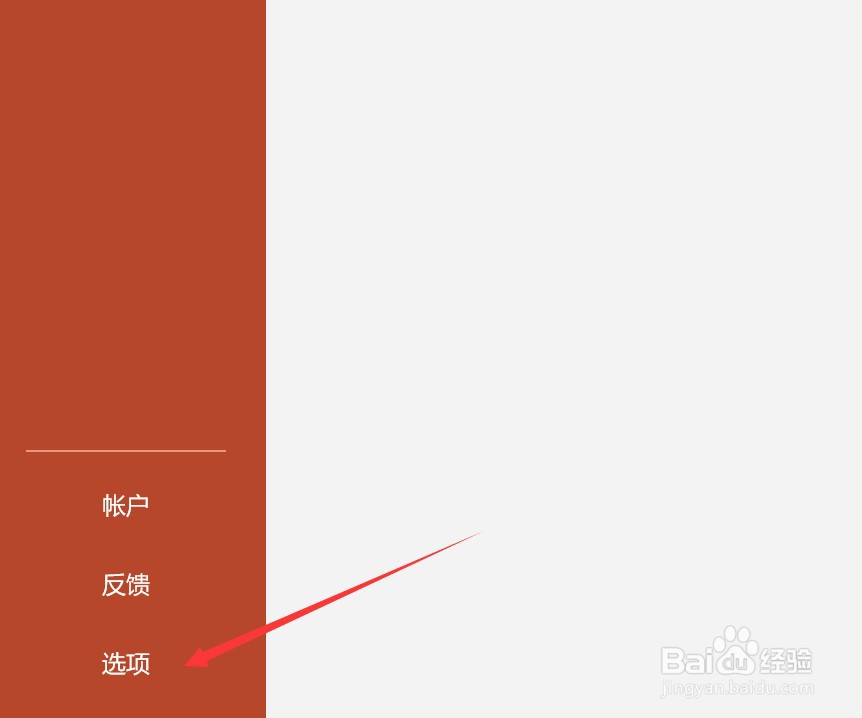
3、点击“选项”按钮。
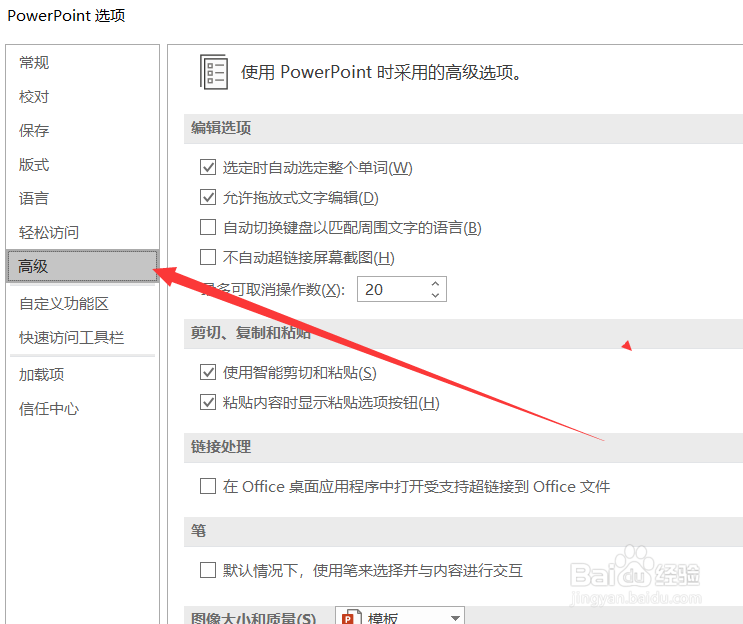
4、点击“高级”选项。
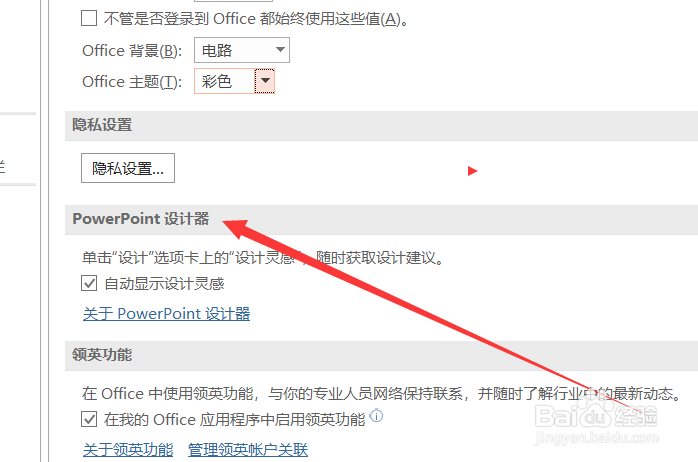
5、找到“PowerPoint设计器”。
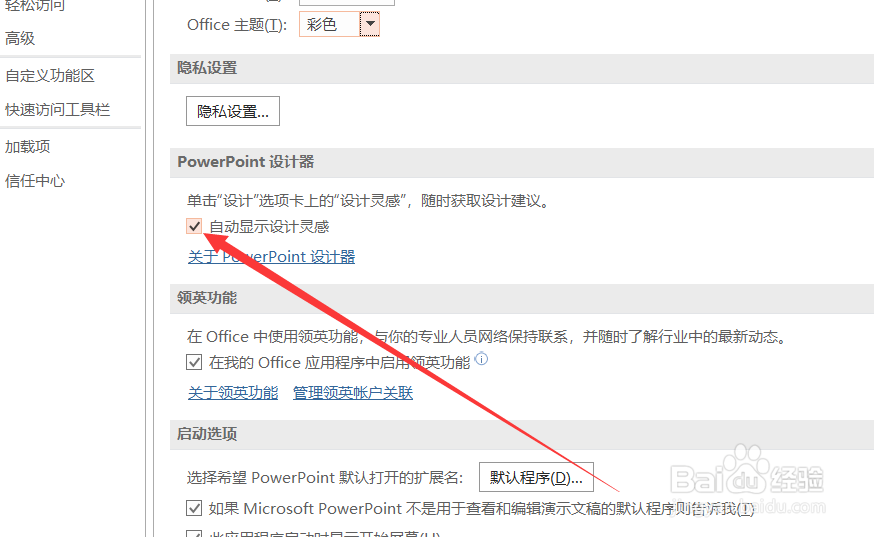
6、在“自动显示设计灵感”前打勾。
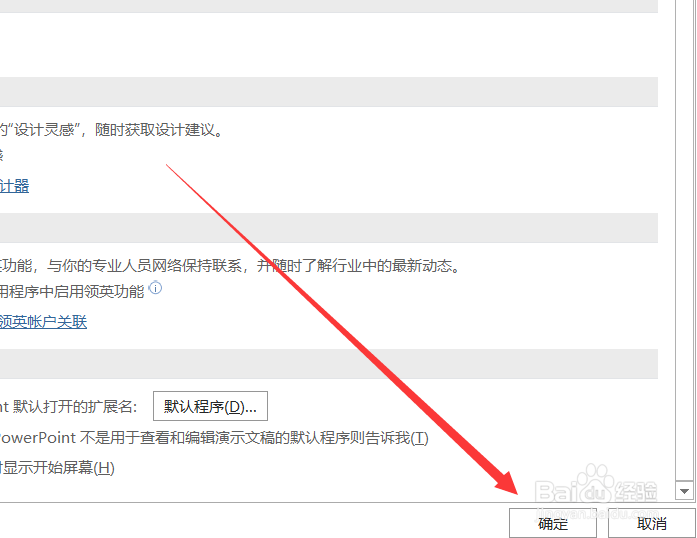
7、点击“确定”。
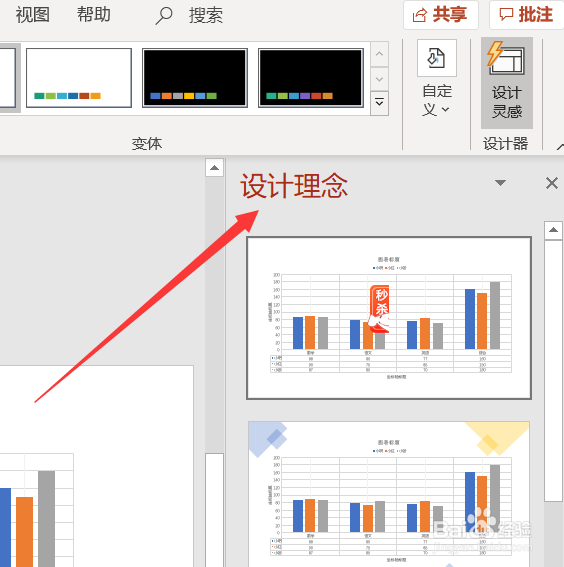
8、设置完成。设计灵感将自动在ppt页面的右侧显示。
1、打开PowerPoint软件。
2、点击“文件”选项卡。
3、点击“选项”按钮。
4、点击“高级”选项。
5、找到“PowerPoint设计器”。
6、在“自动显示设计灵感”前打勾。
7、点击“确定”。
8、设置完成。设计灵感将自动在ppt页面的右侧显示。