1、打开运行
组合键win+r打开运行窗口,输入regedit并按回车打开注册表。

2、找到Manager
在注册表左侧依次展开:HKEY_LOCAL_MACHINE\SYSTEM\CurrentControlSet\Control\Session Manager 。
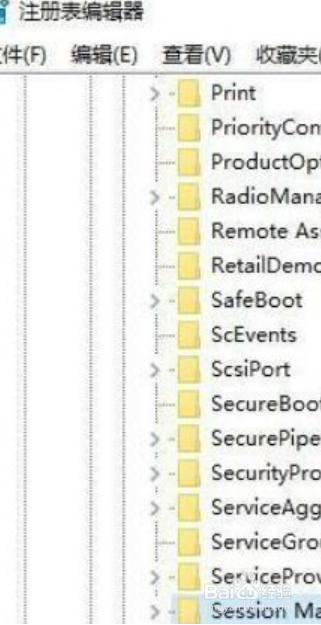
3、打开Execute
在其右侧找到BootExecute并双击打开 。

4、清空数值
将其数值数据清空,按确定保存设置即可。

1、打开运行
组合键win+r打开运行窗口,输入regedit并按回车打开注册表。
2、找到Manager
在注册表左侧依次展开:HKEY_LOCAL_MACHINE\SYSTEM\CurrentControlSet\Control\Session Manager 。
3、打开Execute
在其右侧找到BootExecute并双击打开 。
4、清空数值
将其数值数据清空,按确定保存设置即可。