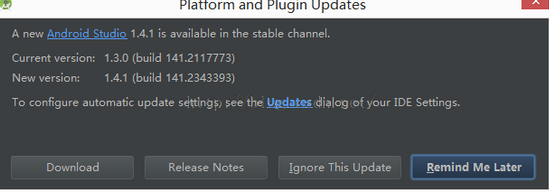
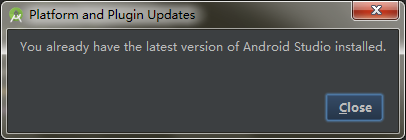
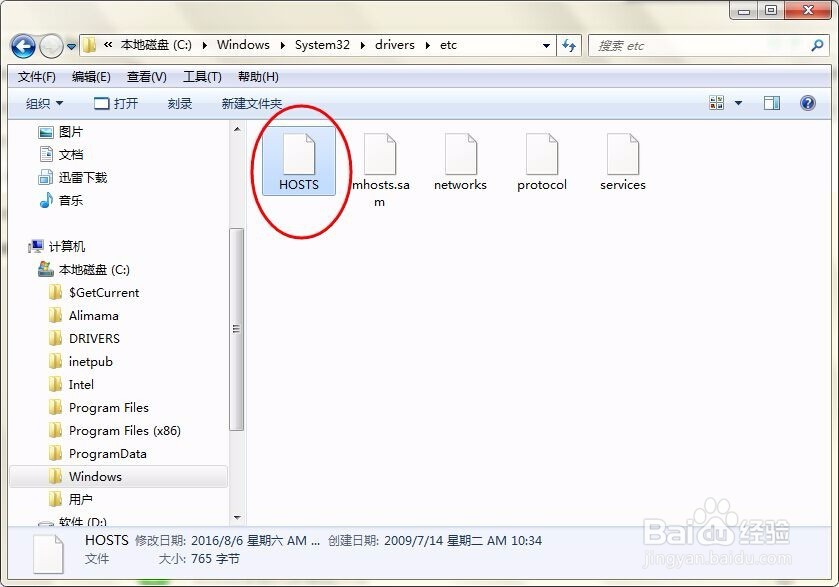
1、进入“C:\Windows\System32\drivers\etc”,用记事本打开HOST文件
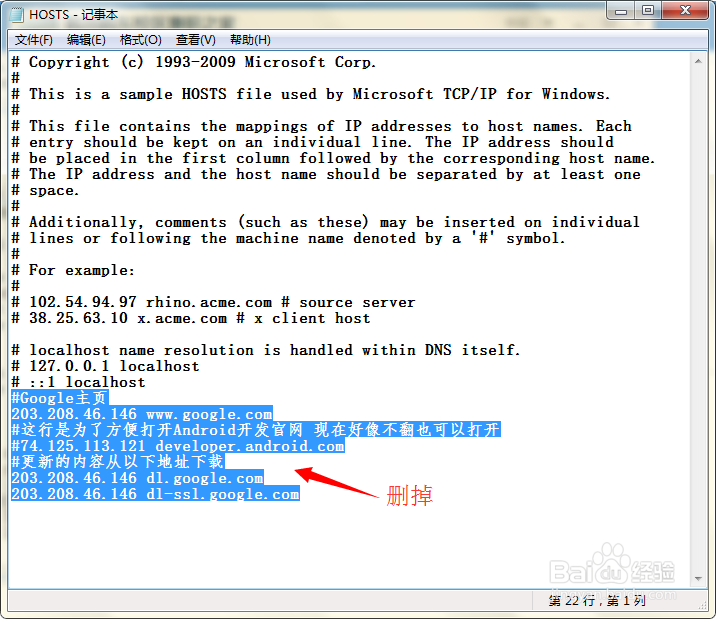
2、删掉之前为了要让sdk更新的蓝色背景文字,保存
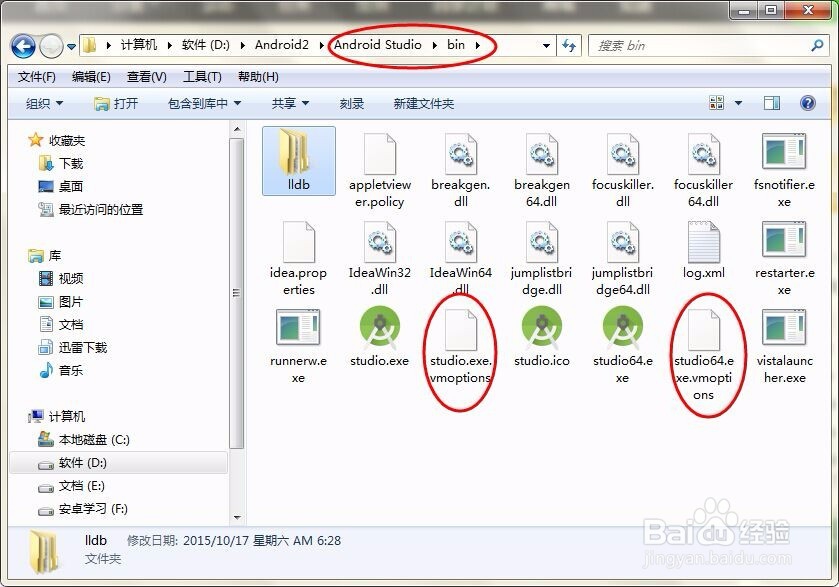
3、接着,打开android studio 工程安装目录下的 bin 目录,用笔记本打开studio64.exe.vmoptions(或者studio.exe.vmoptions)
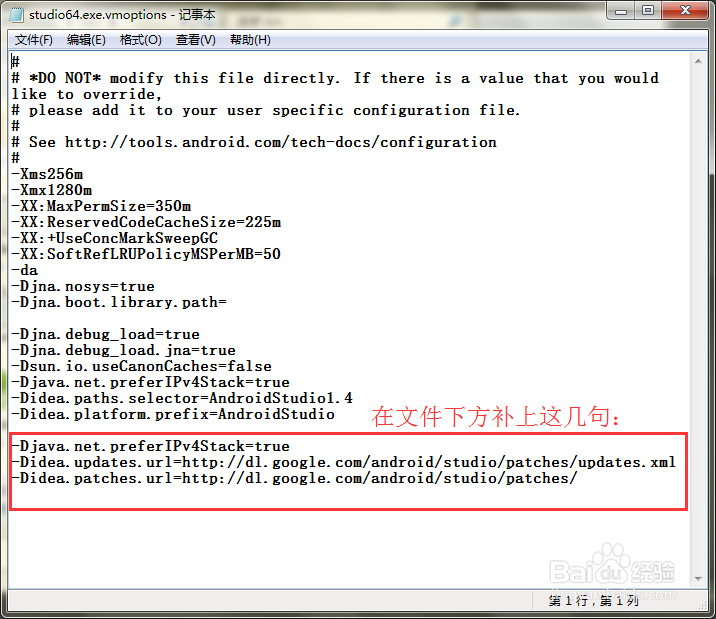
4、加上文字:
-Djava.net.preferIPv4Stack=true
-Didea.updates.url=http://dl.google.com/android/studio/patches/updates.xml
-Didea.patches.url=http://dl.google.com/android/studio/patches/
修改后保存
5、再点“check now”,就可以检测最新的版本了