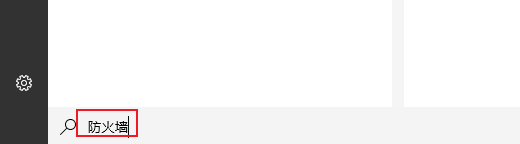
1、我们在下图框内输入 防火墙
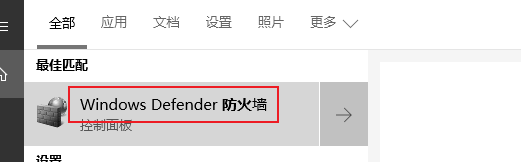
2、我们点击下图框内选项
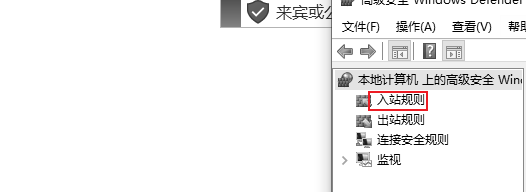
3、我们点击下图框内选项
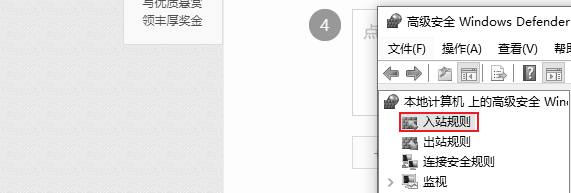
4、我们右键单击下图框内选项
5、我们点击下图框内选项

6、我们点击下图框内选项
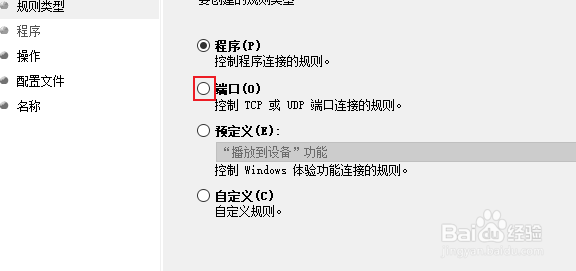
7、我们点击下图框内选项
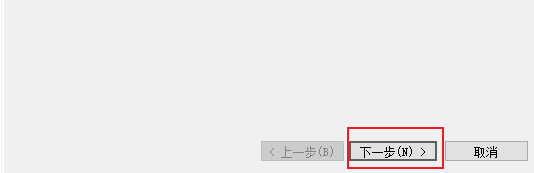
8、我们在下图框内输入3389

9、我们点击下图框内选项
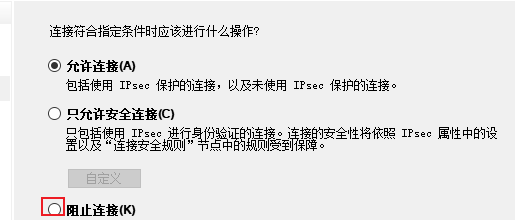
10、按需要勾选
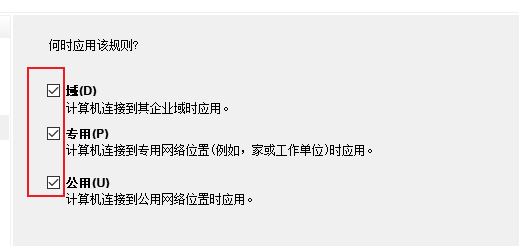
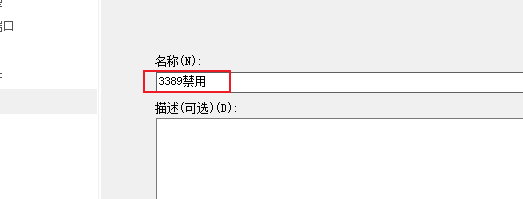
11、我们在下图框内输入名称
就可以了
1、我们在下图框内输入 防火墙
2、我们点击下图框内选项
3、我们点击下图框内选项
4、我们右键单击下图框内选项
5、我们点击下图框内选项
6、我们点击下图框内选项
7、我们点击下图框内选项
8、我们在下图框内输入3389
9、我们点击下图框内选项
10、按需要勾选
11、我们在下图框内输入名称
就可以了