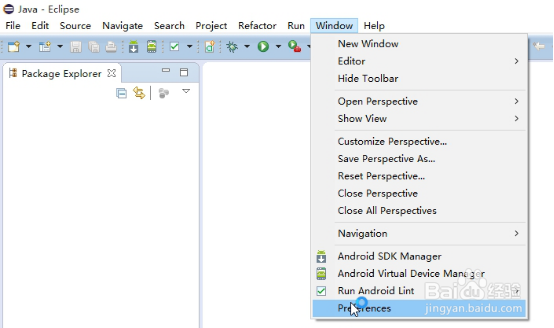
1、依次打开Eclipse中的“Window”菜单——“Preferences”子项。
2、在“Preferences”窗体中依次打开选项“General”——”Appearance”——”Colors and Fonts”选项,最后打开Colors and Fonts面板。

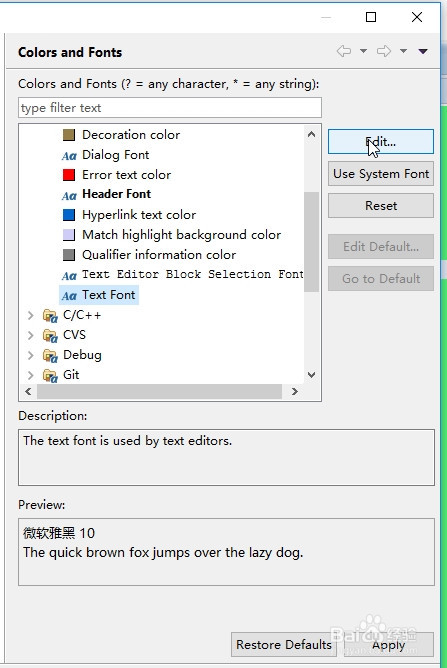
3、在Colors and Fonts面板上依次点击“Basic”——“Text Font”,然后点击右侧的“Edit”按钮。
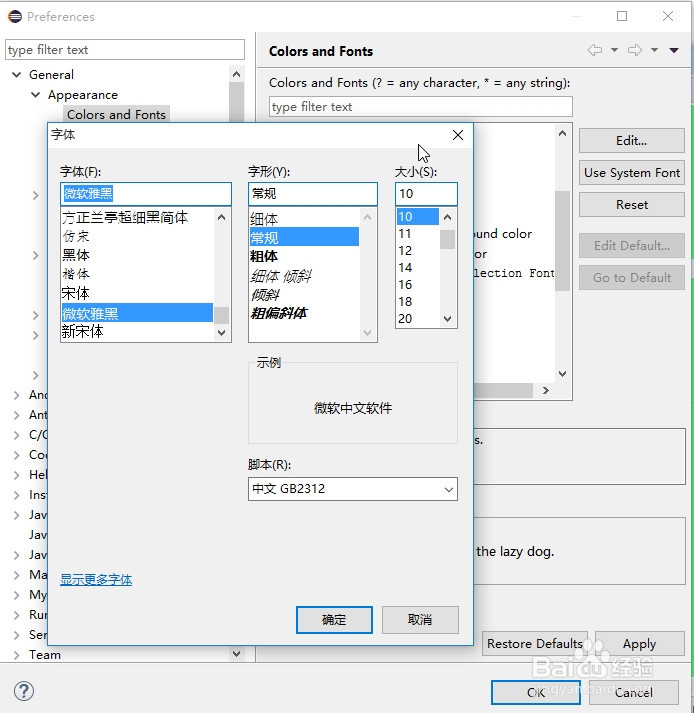
4、最后,在弹出的“字体”窗体中即可设置代码的字体和大小,点击“Apply”和“OK”即完成设置。