1、到lfd.uci.edu/~gohlke/pythonlibs/#worldcloud里面下载与电脑系统和python版本相对应的wordcloud模块,具体安装步骤可以参考《怎么为python安装wordcloud模块?》

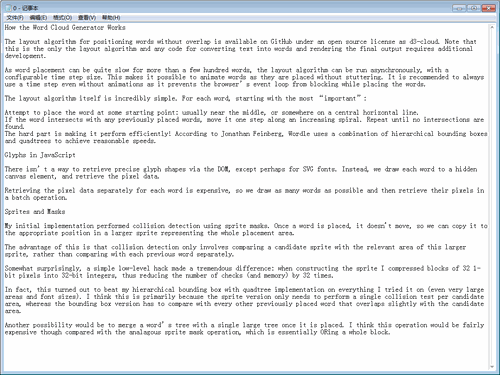
2、准备一个txt文档,里面全是英文。
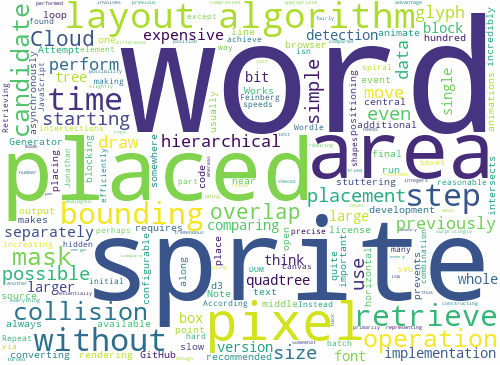
3、制作文字云:
from wordcloud import WordCloud
f = open('0.txt','r').read()
wd = WordCloud(background_color='white',
width=500,height=365,
margin=2).generate(f)
wd.to_file('0.jpg')
4、准备一张图片,作为文字云的背景图案。

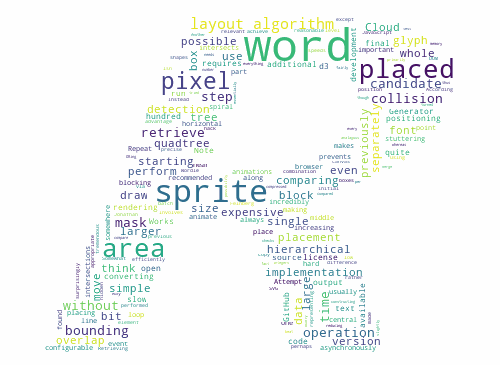
5、用上图为背景,绘制文字云:
from wordcloud import WordCloud
import cv2
f = open('0.txt','r').read()
mk = cv2.imread('0.png')
wd = WordCloud(mask=mk,background_color='white',
width=500,height=365,
margin=2).generate(f)
wd.to_file('000.png')