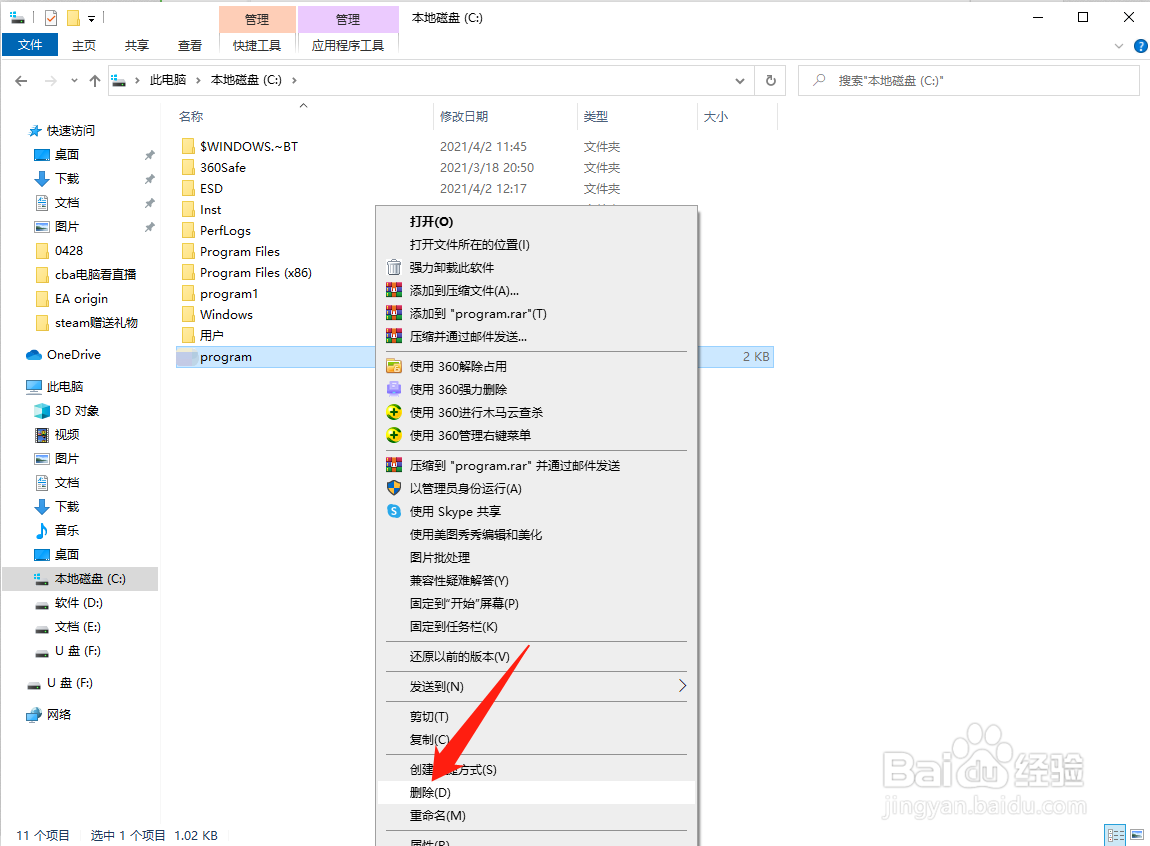
1、打开此电脑,进入C盘或steam安装盘

2、右键删除program文件
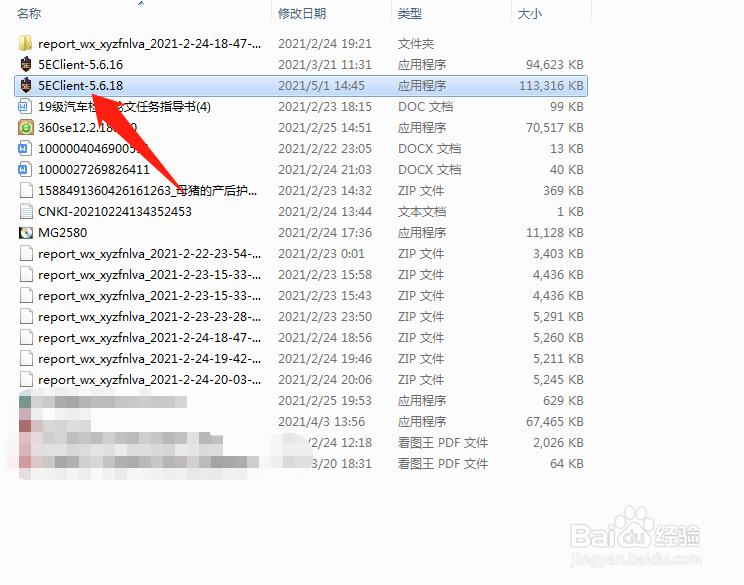
1、右键以管理员模式运行5e

2、右键以管理员模式运行steam

1、关闭电脑中的杀毒软件

2、卸载5e对战平台

3、重新安装5e平台即可
1、打开steam,在steam中启动csgo
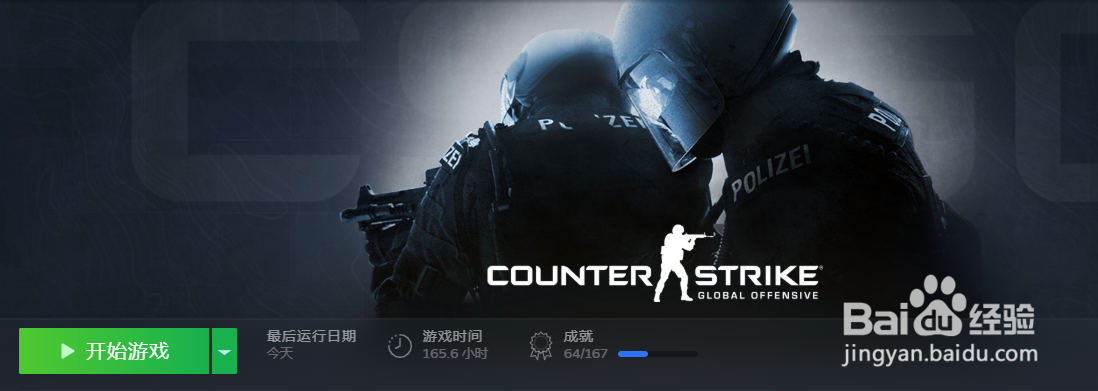
2、关闭csgo,回到5e平台重新测试

1、进入5e平台,点击5e box
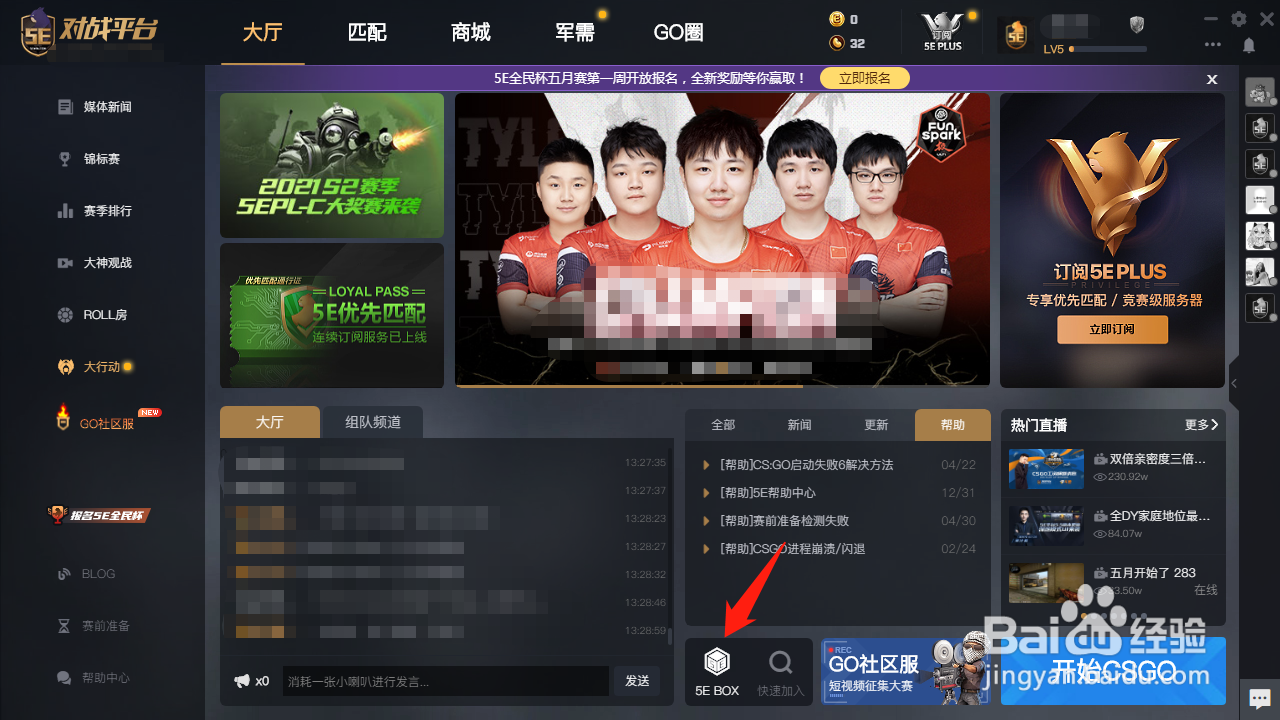
2、点击打开本地config

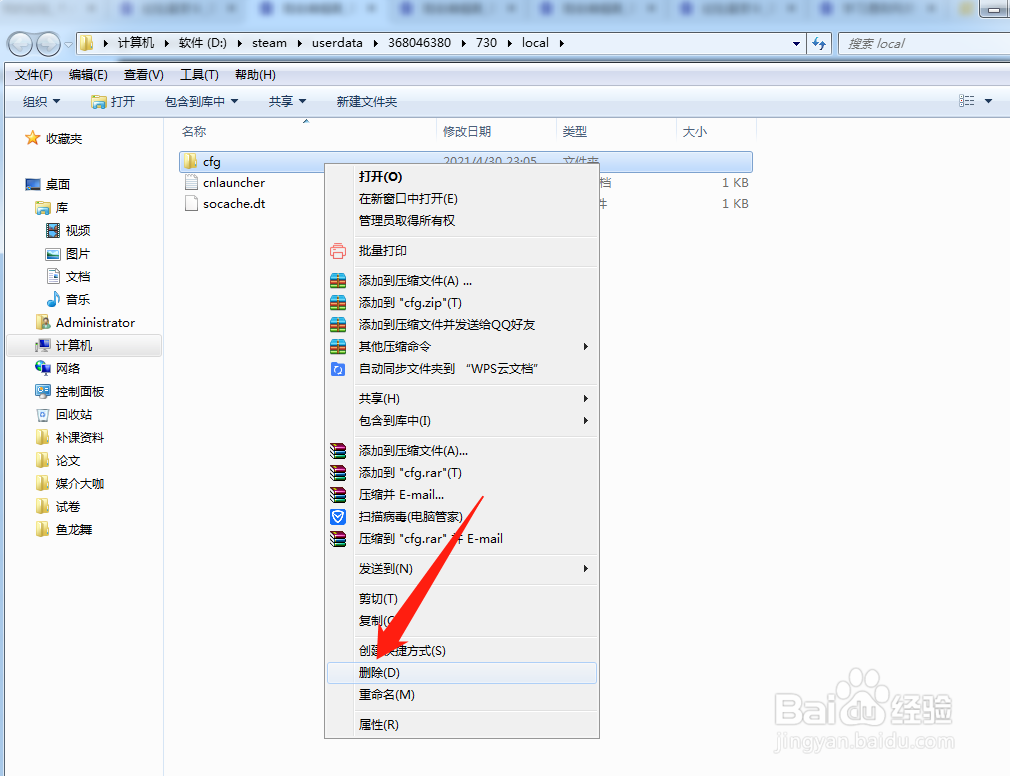
3、右键删除cfg文件夹即可
1、打开此电脑,进入C盘或steam安装盘
2、右键删除program文件
1、右键以管理员模式运行5e
2、右键以管理员模式运行steam
1、关闭电脑中的杀毒软件
2、卸载5e对战平台
3、重新安装5e平台即可
1、打开steam,在steam中启动csgo
2、关闭csgo,回到5e平台重新测试
1、进入5e平台,点击5e box
2、点击打开本地config
3、右键删除cfg文件夹即可