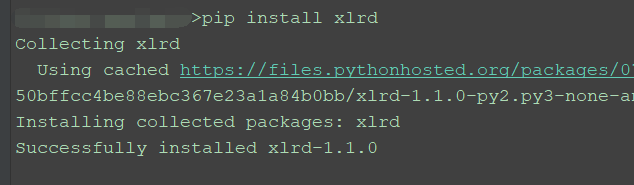
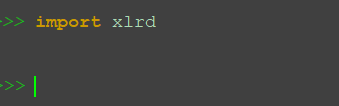
1、安装xlrd后,在pycharm客户端输入代码:
import xlrd #导入库
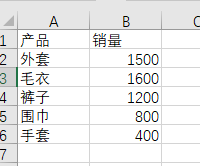
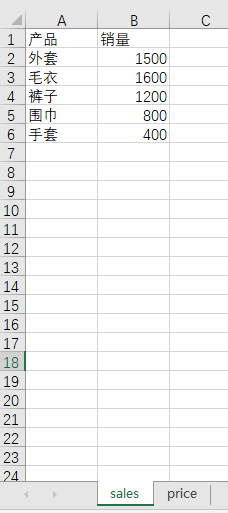
2、创建数据文件"product_sales.xlsx",有两个工作表"sales","price"。
3、读取数据文件,并命名为workbook。
workbook = xlrd.open_workbook("product_sales.xlsx")
print(workbook)

4、查看excel文件中的sheet个数及sheet名称。
sheet_num=workbook.nsheetsnames=workbook.sheet_names()print("共有{}个工作表,表名分别是:{}".format(sheet_num,names))#查看工作表的个数和名字
可以看到本文读取的excel文件有两个工作表,分别是"sales"和"price".

5、读取工作表中的内容。
sales=workbook.sheet_by_name("sales")#获取sales工作表的内容

6、读取工作表的行数和列数。
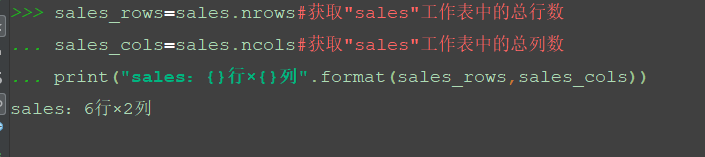
sales_rows=sales.nrows#获取"sales"工作表中的总行数
sales_cols=sales.ncols#获取"sales"工作表中的总列数
print("sales:{}行×{}列".format(sales_rows,sales_cols))
7、读取具体的一列或一行。
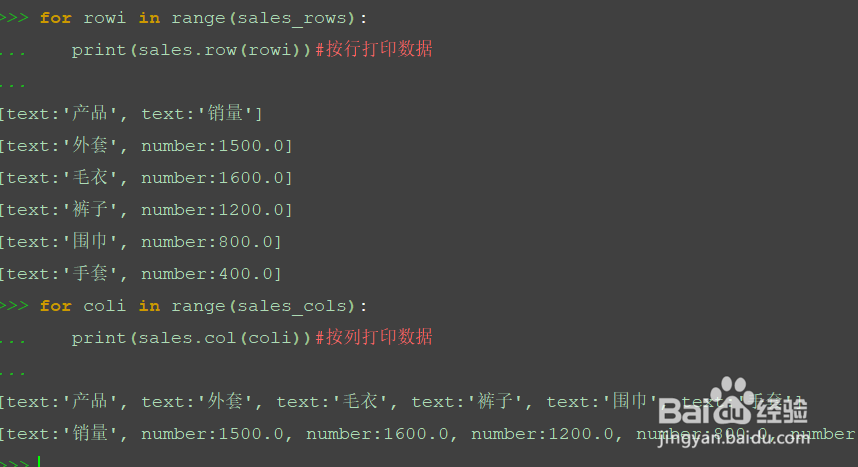
读取行的命令为sales.row(rowx),rowx为数字,表示要读取的是第几行。列的命令sales.col(colx),colx表示第几列。
for rowi in range(sales_rows): print(sales.row(rowi))#按行打印数据
for coli in range(sales_cols): print(sales.col(coli))#按列打印数据
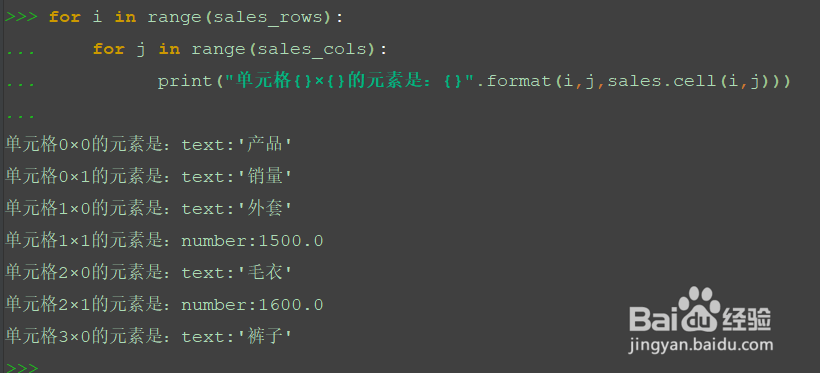
8、读取具体的某个单元格数据。命令sales.cell(rowx,colx)。分别表示读取第几行、几列的数据。
for i in range(sales_rows):
for j in range(sales_cols):
print("单元格{}×{}的元素是:{}".format(i,j,sales.cell(i,j)))