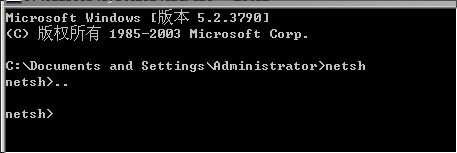
1、在Cmd.exe命令提示符下键入netsh,就进入了netsh> 提示符。
(1) 转移到上一层上下文
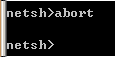
2、(2)放弃在脱机模式下所做的修改
netsh>abort
3、(3)在netsh中安装netsh助手文件DLLName。
netsh>add helper DLLName

4、(4)显示指定的别名
netsh>alias [AliasName][string1[string2…]]

5、(5)转出Netsh
netsh>bye

6、(6)删除netsh助手文件DLLName。
netsh>delete helper DLLName

7、(7)生成一个包含当前配置的脚本
netsh>dump #显示当前配置脚本
