1、思路。要想在网页上面用代码写字,我们只有使用HTML5中的画布代码中的点线工具代码来实现,只要给出一个点的坐标,这个点就可以用线条一直描绘下去。
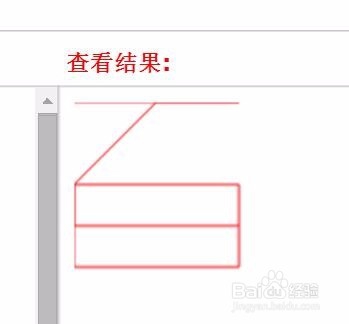
2、分析“百”字的所有的描绘点,要绘制这样的一个“百”字,我们需要确定9个点的坐标。我们把这9个点的坐标都确定以后,就可以一条线一条线的描绘出来。
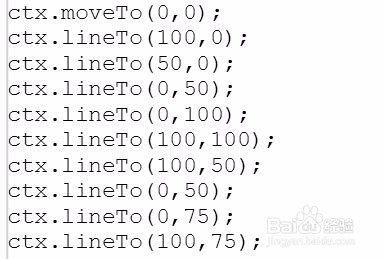
3、使用 stroke() 代码把这里所有的点用线条进行描绘。
<script>
var c=document.getElementById("百");
var ctx=c.getContext("2d");
ctx.beginPath();
ctx.moveTo(0,0);
ctx.lineTo(100,0);
ctx.lineTo(50,0);
ctx.lineTo(0,50);
ctx.lineTo(0,100);
ctx.lineTo(100,100);
ctx.lineTo(100,50);
ctx.lineTo(0,50);
ctx.lineTo(0,75);
ctx.lineTo(100,75);
ctx.strokeStyle="#FF0000";
ctx.stroke();
</script>
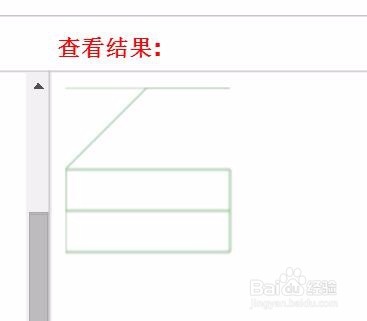
4、定义一下“百”字出现的画布,把这个"百“字直接用代码绘制出来。
<canvas id="百
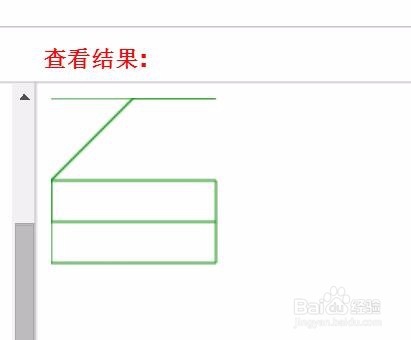
5、用同样的方法写一个LOVE。
<!DOCTYPE html>
<html>
<body>
<canvas id="LOVE
</canvas>
<script>
var c=document.getElementById("LOVE");
var ctx=c.getContext("2d");
ctx.beginPath();
ctx.moveTo(0,0);
ctx.lineTo(0,200);
ctx.lineTo(100,200);
ctx.lineTo(100,0);
ctx.lineTo(200,0);
ctx.lineTo(200,200);
ctx.lineTo(100,200);
ctx.lineTo(100,0);
ctx.lineTo(200,0);
ctx.lineTo(250,200);
ctx.lineTo(300,0);
ctx.lineTo(300,200);
ctx.lineTo(400,200);
ctx.lineTo(300,200);
ctx.lineTo(300,100);
ctx.lineTo(400,100);
ctx.lineTo(300,100);
ctx.lineTo(300,0);
ctx.lineTo(400,0);
ctx.strokeStyle="#551A8B";
ctx.stroke();
</script>
</body>
</html>
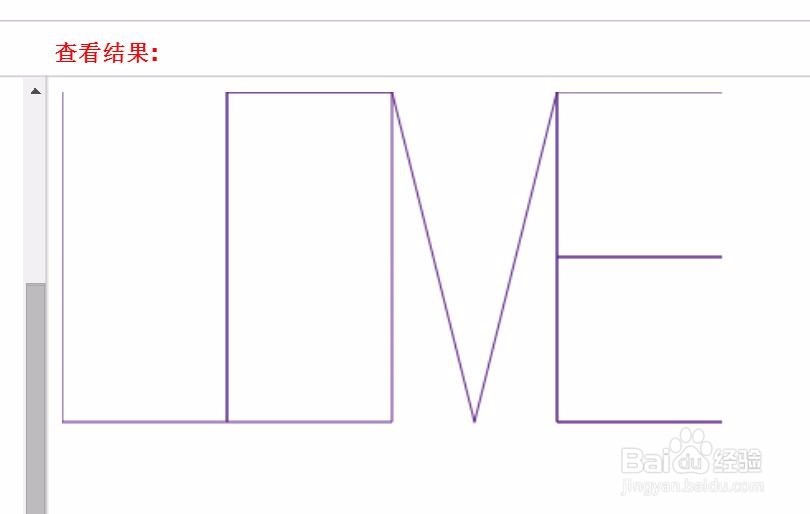
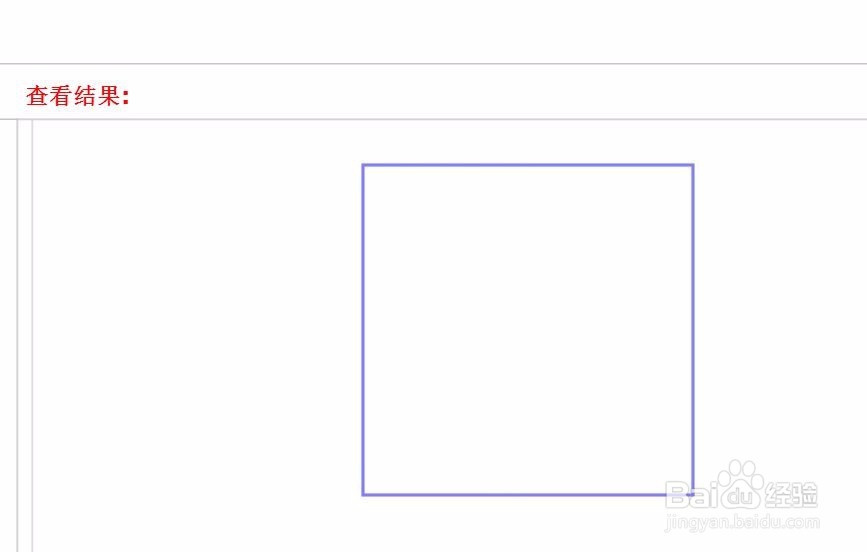
6、用更简单的办法去绘制矩形,对于一些特定的图形,我们可以通过设定边线的方式直接绘制。
<script type="text/javascript">
var c=document.getElementById("矩形");
var ctx=c.getContext("2d");
ctx.strokeStyle="#4B0082";
ctx.strokeRect(200,200,200,200);
</script>