1、显示与隐藏状态栏的代码如下:
private void fullscreen(boolean enable) {
if (enable) { //显示状态栏
WindowManager.LayoutParams lp = getWindow().getAttributes();
lp.flags |= WindowManager.LayoutParams.FLAG_FULLSCREEN;
getWindow().setAttributes(lp);
getWindow().addFlags(WindowManager.LayoutParams.FLAG_LAYOUT_NO_LIMITS);
} else { //隐藏状态栏
WindowManager.LayoutParams lp = getWindow().getAttributes();
lp.flags &= (~WindowManager.LayoutParams.FLAG_FULLSCREEN);
getWindow().setAttributes(lp);
getWindow().clearFlags(WindowManager.LayoutParams.FLAG_LAYOUT_NO_LIMITS);
}
}
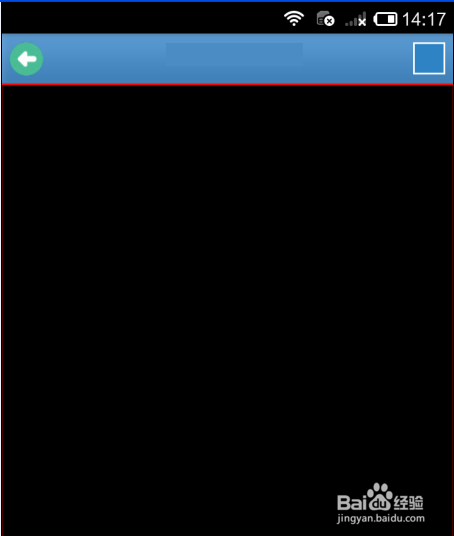
2、显示与隐藏的效果如下:

3、横屏与竖屏切换时处理状态栏的显示与隐藏,所以需要配置屏幕切换代码。
AndroidManifest.xml中activity上配置
android:configChanges="orientation|keyboardHidden|screenSize"

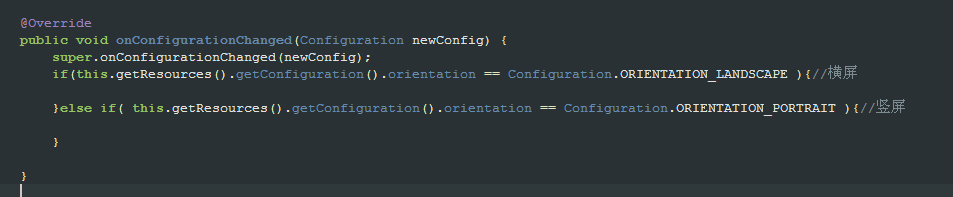
4、activity中override方法onConfigurationChanged
@Override
public void onConfigurationChanged(Configuration newConfig) {
super.onConfigurationChanged(newConfig);
if(this.getResources().getConfiguration().orientation == Configuration.ORIENTATION_LANDSCAPE ){//横屏
}else if( this.getResources().getConfiguration().orientation == Configuration.ORIENTATION_PORTRAIT ){//竖屏
}
}