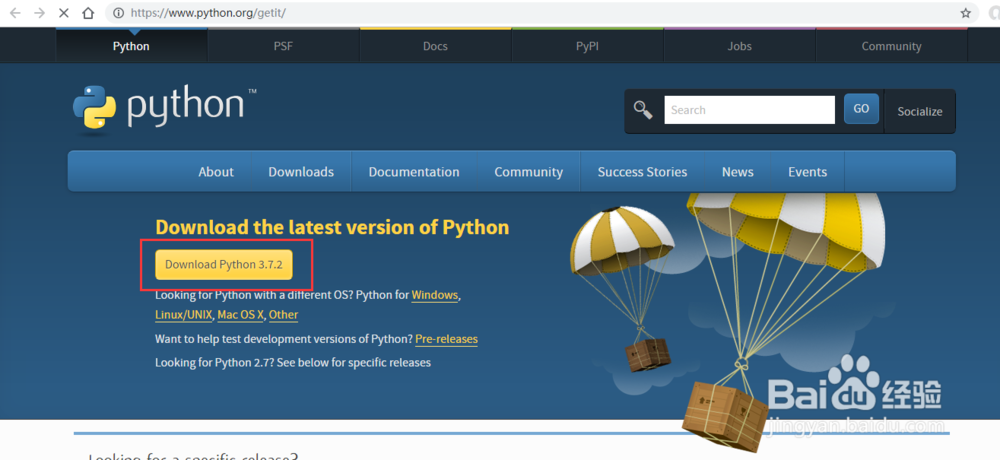
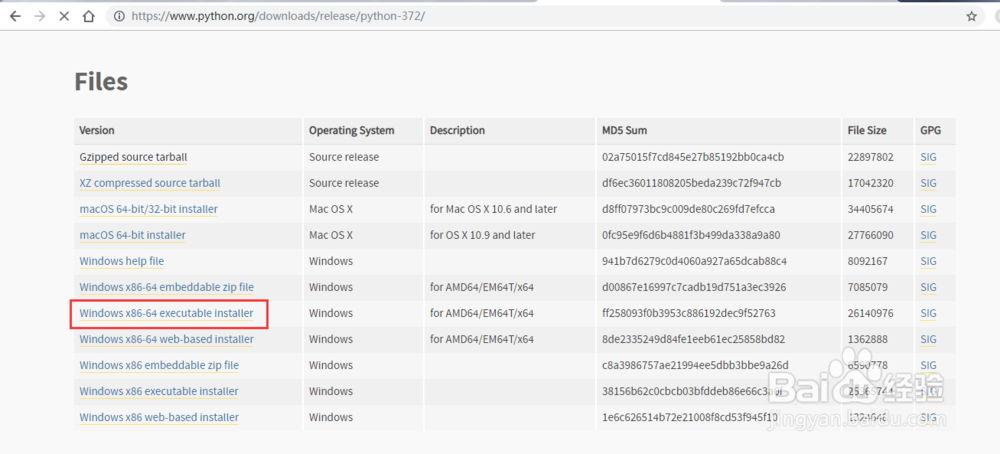
1、千万python官网下载最新的安装包,此处我们下载的是Windows x86-64 executable installer。如您的电脑为32位系统,可下载Windows x86 executable installer安装包
2、点击运行python安装包

3、勾选Add python3.7 to Path然后点击Customize installation 按钮

4、直接点击next按钮

5、点击Browse中选择要安装的文件夹,之后点击install按钮,进行安装

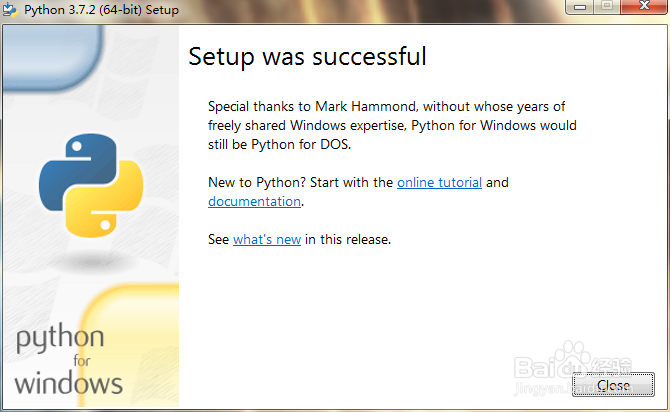
6、安装完成
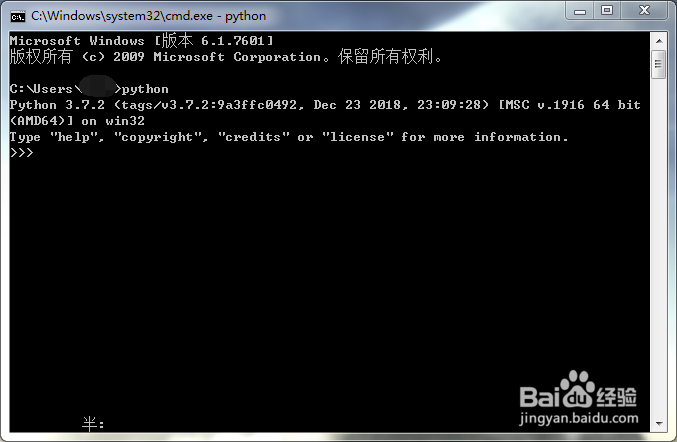
1、在命令行中输入python,如显示版本,则是安装成功