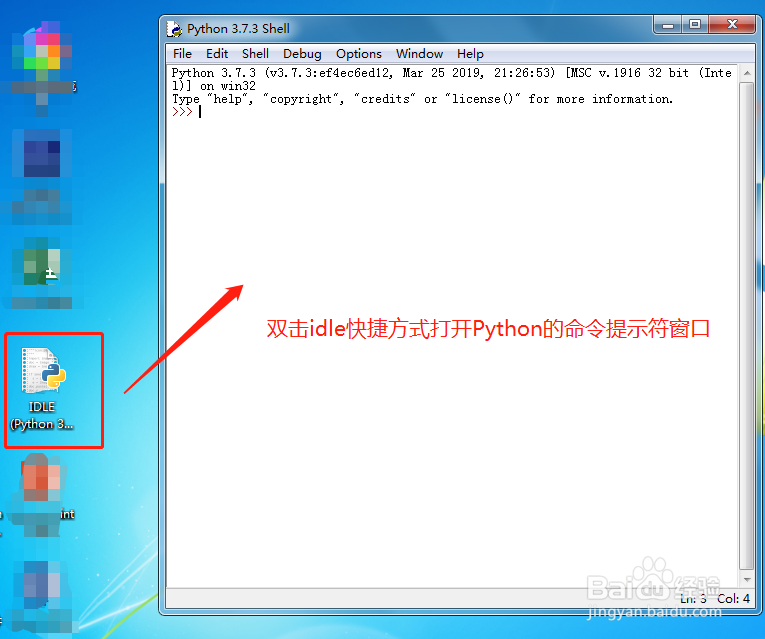
1、双击Python自带的idle的快捷图标,打开Python的命令提示符窗口。
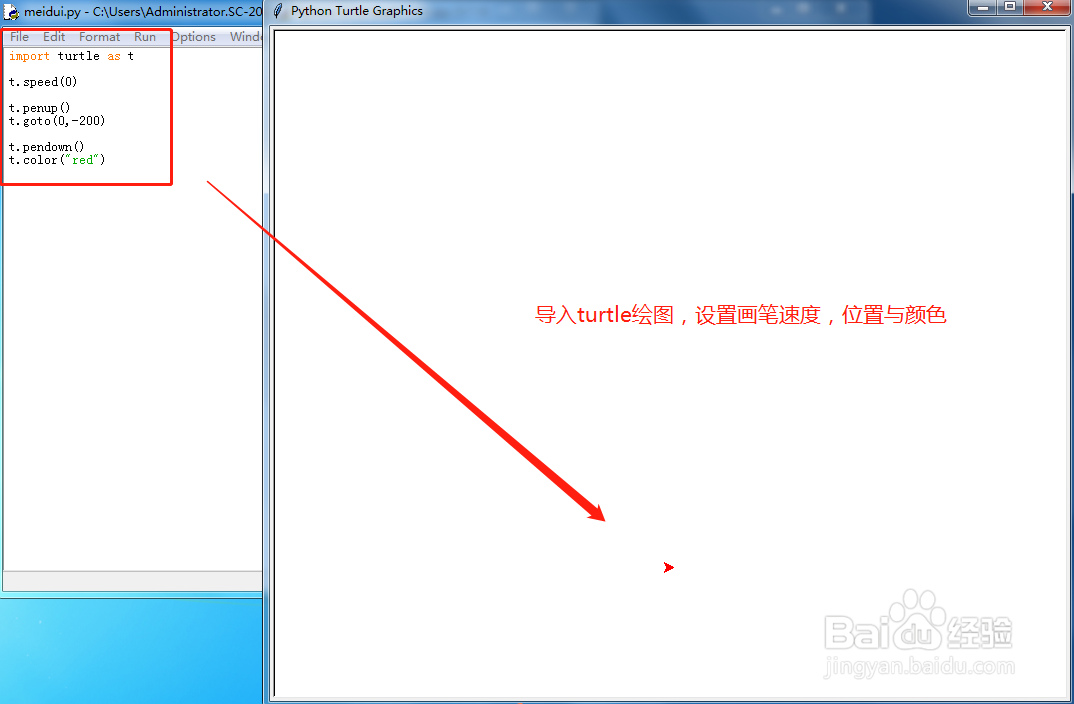
2、执行下面代码:
import turtle as t
t.speed(0)
t.penup()
t.goto(0,-200)
t.pendown()
t.color("red")
导入turtle画笔,并设置画笔的速度,起始位置与画笔颜色。
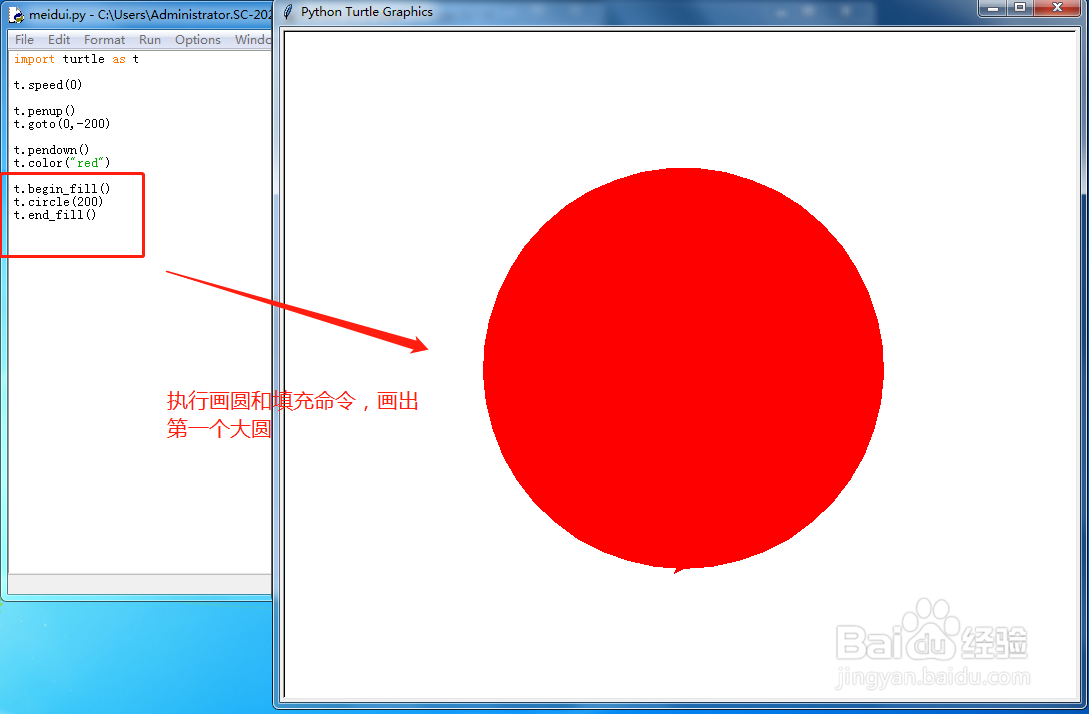
3、执行.circle的画圆命令并进行填充,代码:
t.begin_fill()
t.circle(200)
t.end_fill()
这样就画出了一个大圆出来。
4、在上面代码基础上添加:
t.penup()
t.goto(0,-150)
t.pendown()
t.color("white")
t.begin_fill()
t.circle(150)
t.end_fill()
更改画笔的位置,并设置画布的颜色,与画圆的半径大小,绘制出比第一个大圆要小一点的第二个圆。
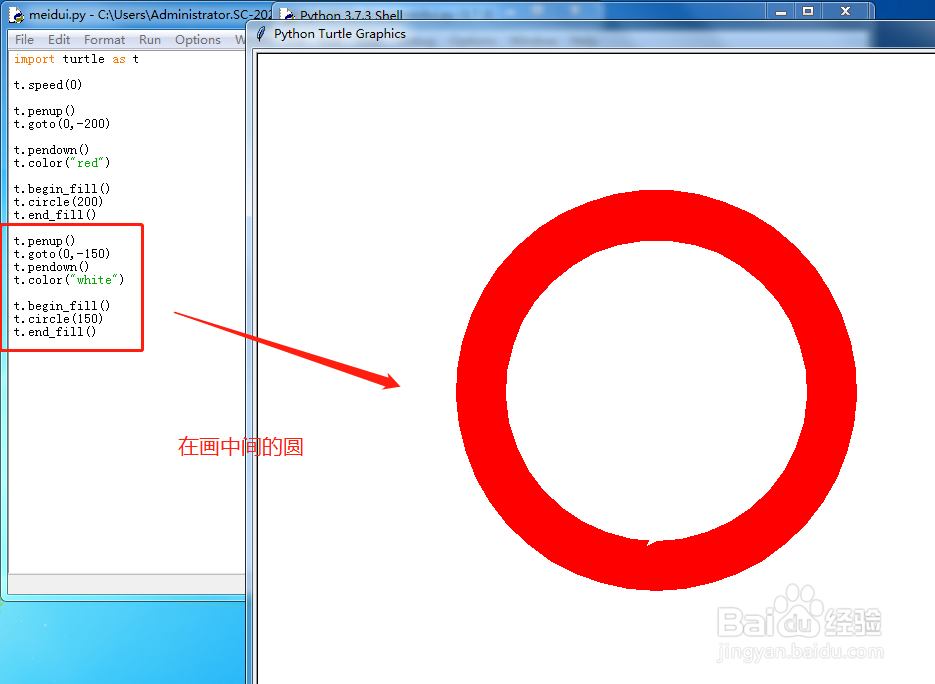
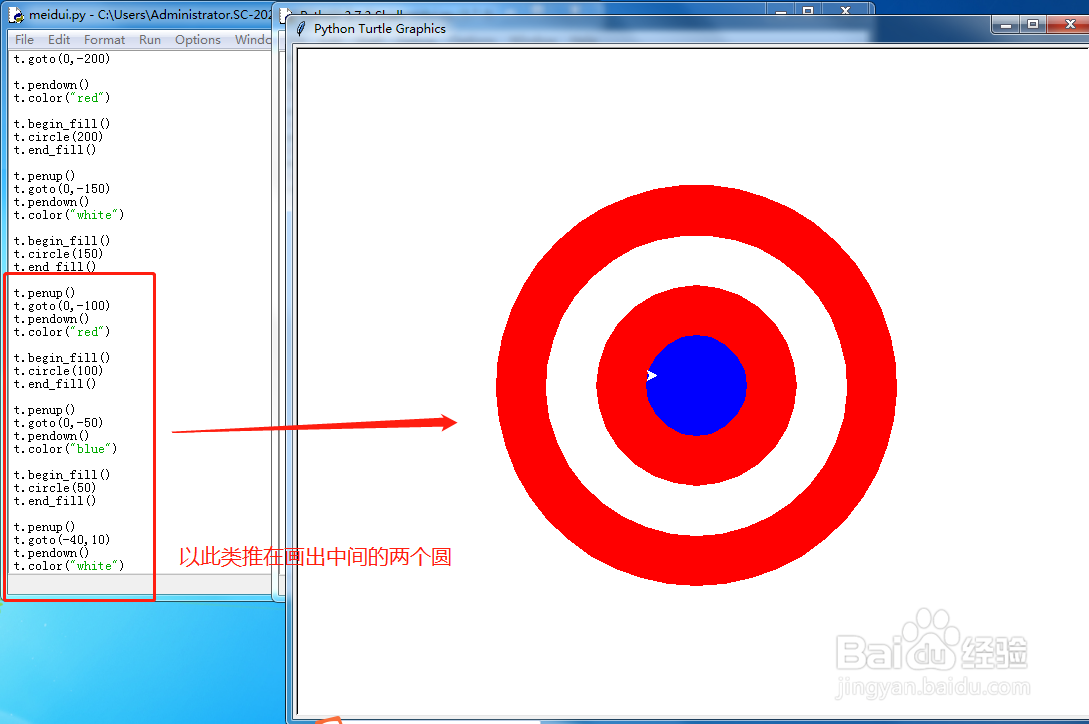
5、那么按照上两步的思路进行类推,再次绘制出其他的两个小圆:
t.penup()
t.goto(0,-100)
t.pendown()
t.color("red")
t.begin_fill()
t.circle(100)
t.end_fill()
t.penup()
t.goto(0,-50)
t.pendown()
t.color("blue")
t.begin_fill()
t.circle(50)
t.end_fill()
t.penup()
t.goto(-40,10)
t.pendown()
t.color("white")
这样一个基本的大的效果就出来了。
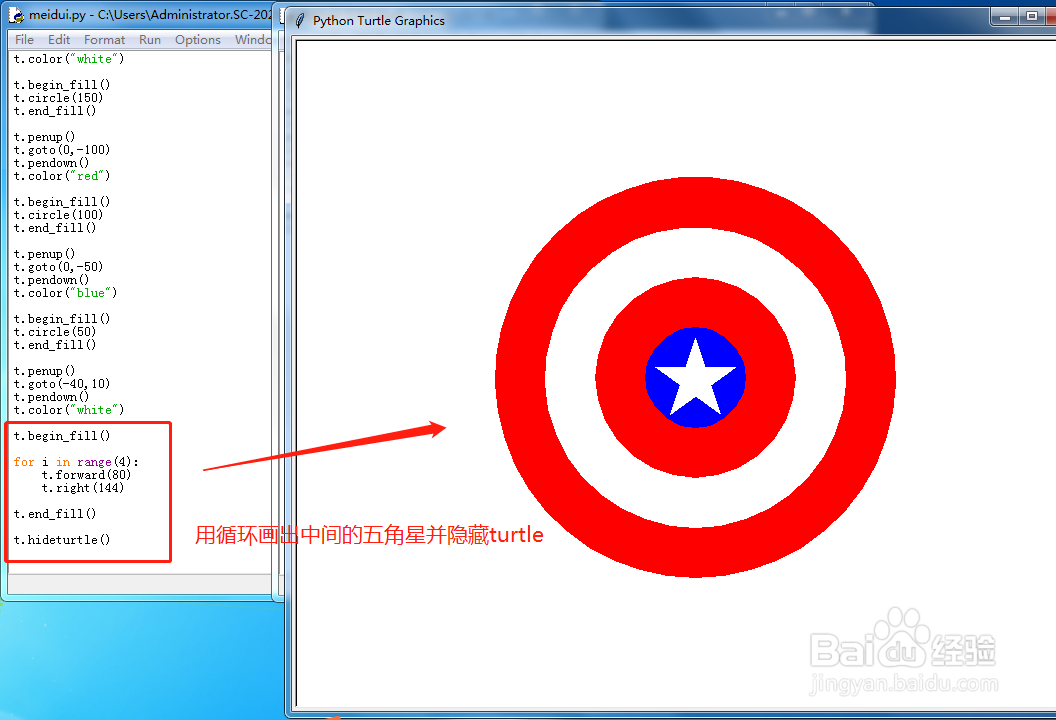
6、最后就是绘制最中间的五角星的操作了,因为五角星是对称图形,这里我们用for循环即可:
t.begin_fill()
for i in range(4):
t.forward(80)
t.right(144)
t.end_fill()
t.hideturtle()
绘制出五角星并隐藏画笔。一个美队盾牌的图案就绘制完成了。