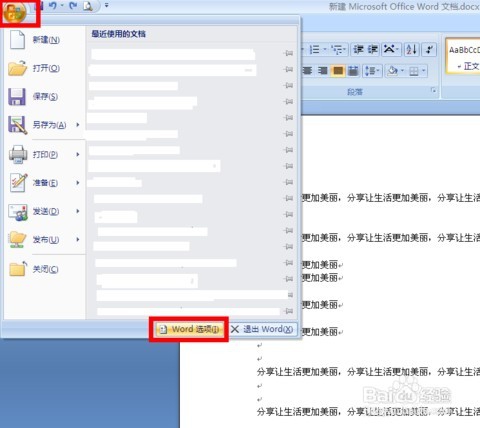
1、第一步,新建一个word文档;
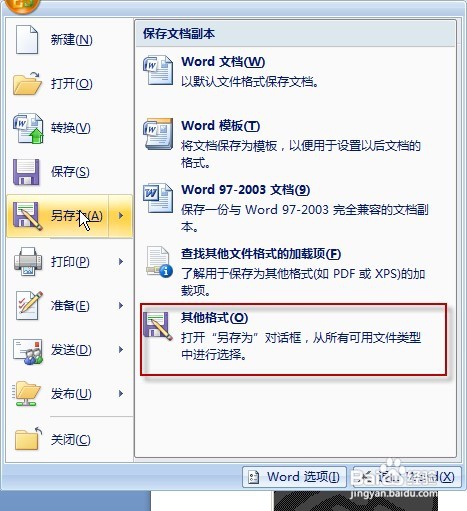
2、第二步,按ALT+F11键,打开VBA(此界面就是用来编写代码)
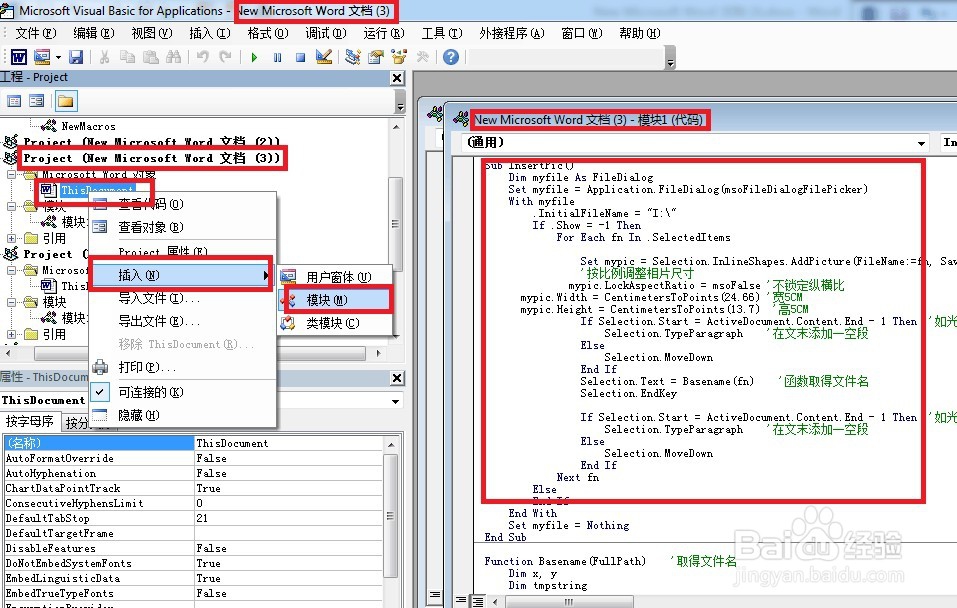
3、第三步,找到你要处理的word文档,单击右键—一插入——模块,将命令复制
粘帖到对话框中,单击运行即可;具体操作如下:
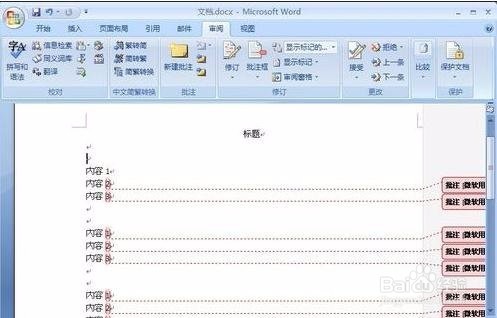
4、批量处理图片大小:修改图片高度和宽度
For Each isha In Activedocument. Inline Shapes
If ishaType wdinline Shape Picture Then
isha. Lockaspectratio= msofalse'不锁定纵横比
isha Width Centimeterstopoints(24.66)3i 5CM
isha Height= Centimeters Topoints(13. 7)7) 5CM
End If
End sub
5、方法二、批量处理图片大小(自动为图片命名)
代码如下
Sub Insertpico
Dim myfile As Filedialog
Set myfile Application Filedialog(mso File Dialog Filepicker
With mvfile
nitialfilename = 1:
If Show=-1 Then
For each fn In Selecteditems
6、Selection. Movedown
End if
Selection Text= Basename(fn)'函数取得文件名
7、Selection Endkey
If Selection Start= Active Document: Content. end-1 Then 'u it
标在文末
8、Paragraph'在文末添加一空段
Selection. Movedown
Next fn
Else