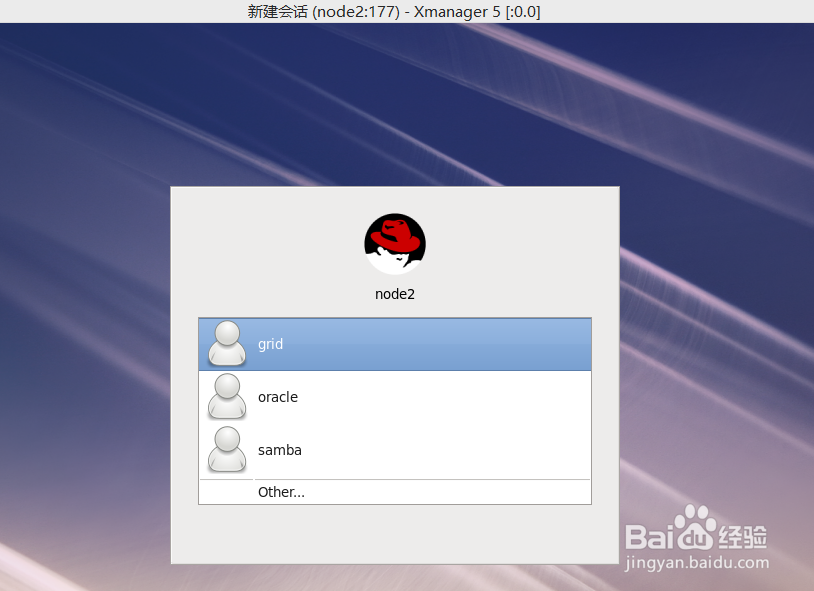
1、1:查看/etc/inittab 默认模式是否是5,默认为5
如果是id:5:initdefault: 就不用修改了。
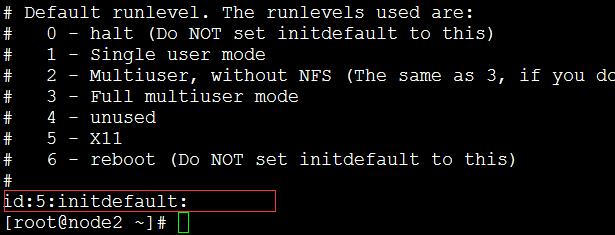
2、2:查看是否安装gdm包,默认安装
默认安装gdm包,我的系统显示是64位的包,如果是32位系统,则显示32位包。
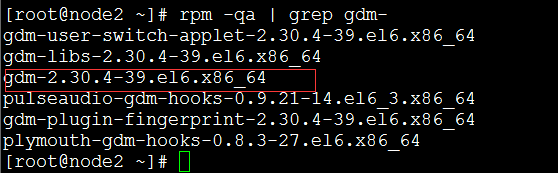
3、3:配置gdm文件
[root@node2 ~]# cat /etc/gdm/custom.conf
# GDM configuration storage
[daemon]
[security]
AllowRoot=true
AllowRemoteRoot=true
[xdmcp]
Enable=1
Port=177
[greeter]
[chooser]
[debug]
[root@node2 ~]#
AllowRemoteRoot=true 允许root用户登录
Enable=1 开启xdmcp服务
4、4:关闭防火墙
chkconfig iptables off
chkconfig ip6tables off
service iptables stop
service ip6tables stop
5、5:重启服务器
6、6:查看177端口是否存在
[root@node2 ~]# lsof -i :177
COMMAND PID USER FD TYPE DEVICE SIZE/OFF NODE NAME
gdm-binar 3654 root 7u IPv4 26600 0t0 UDP *:xdmcp
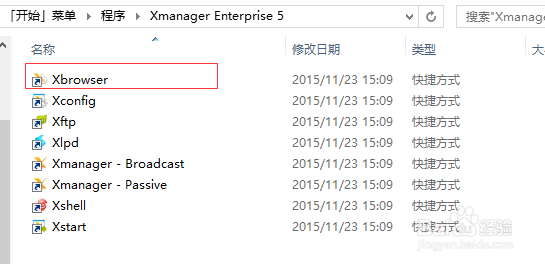
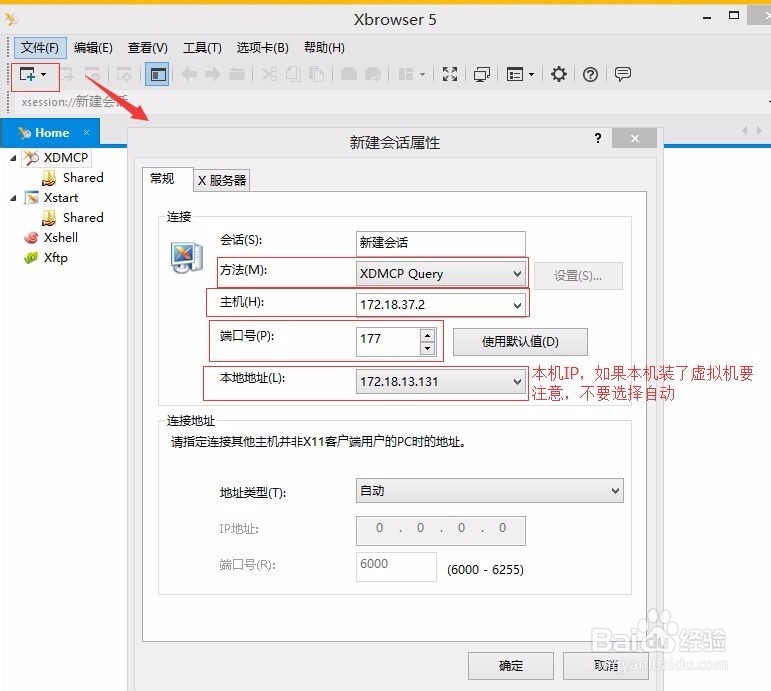
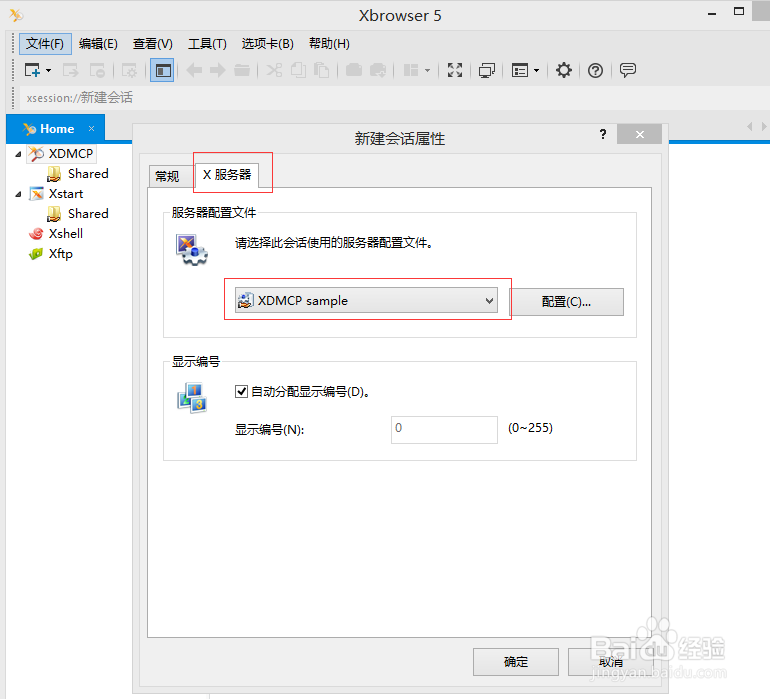
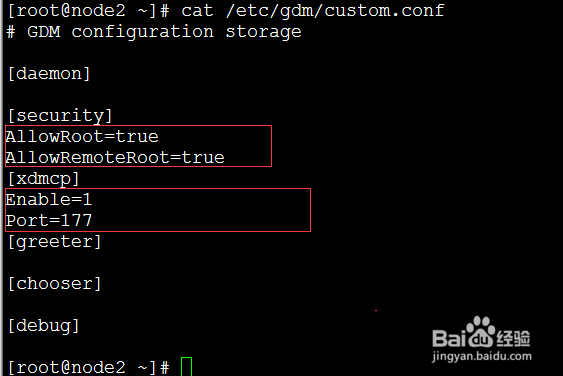
7、7:windows客户端Xbrowser连接
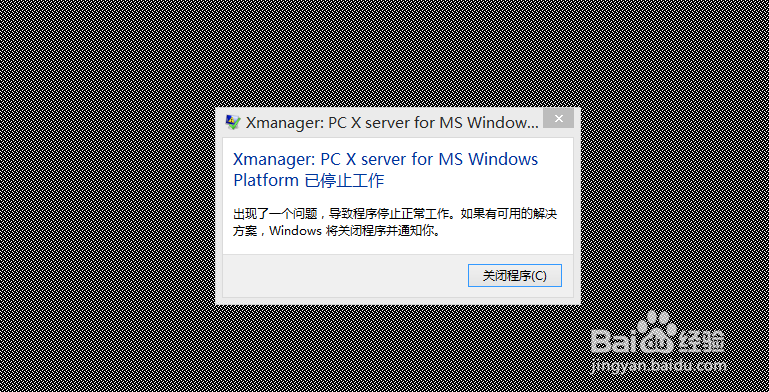
如果连接过程中报错,可能是因为xmanager版本问题。可以考虑换一个。我刚开始也是使用xmanager4 ,报错如下图。换成xmanager5之后连接正常了。