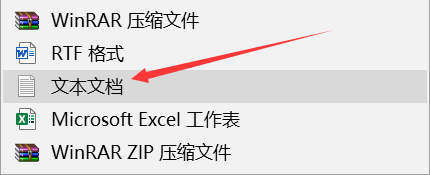
1、在桌面右键新建一个文本文档
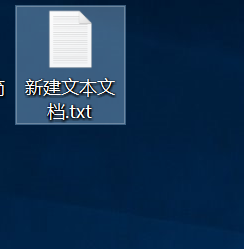
2、双击打开新建好的文本文档
3、接着输入下面的代码:
taskkill /f /im explorer.exe
reg add "HKEY_LOCAL_MACHINE\SOFTWARE\Microsoft\Windows\CurrentVersion\Explorer\Shell Icons" /v 29 /d "C:\Windows\system32\imageres.dll,154" /t reg_sz /f
reg add "HKEY_CURRENT_USER\Software\Microsoft\Windows\CurrentVersion\Explorer\Shell Icons" /v 29 /d "C:\Windows\system32\imageres.dll,154" /t reg_sz /f
reg add "HKEY_CLASSES_ROOT\lnkfile" /v IsShortcut /t reg_sz /f
reg add "HEKY_CLASSES_ROOT\piffile" /v IsShortcut /t reg_sz /f
start explorer
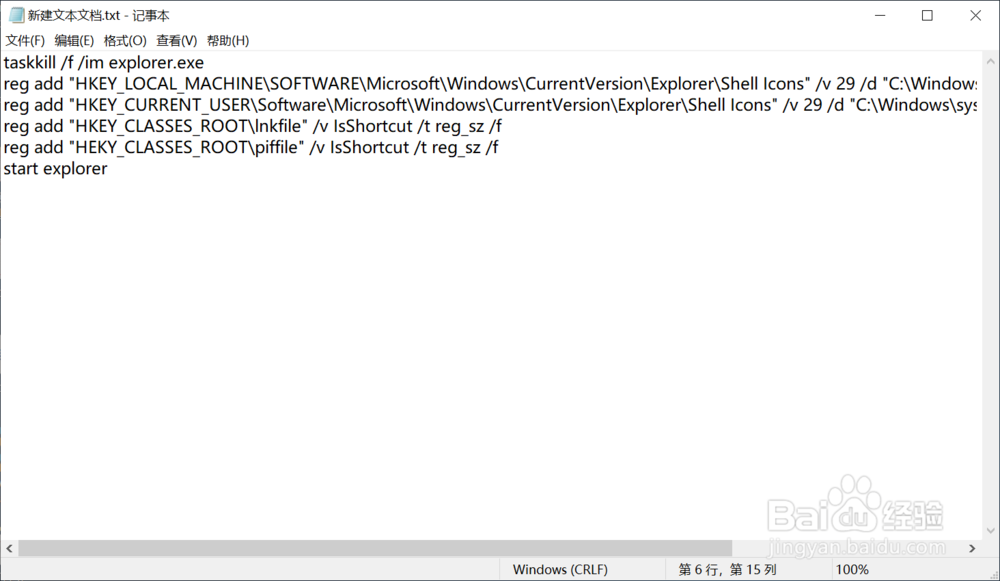
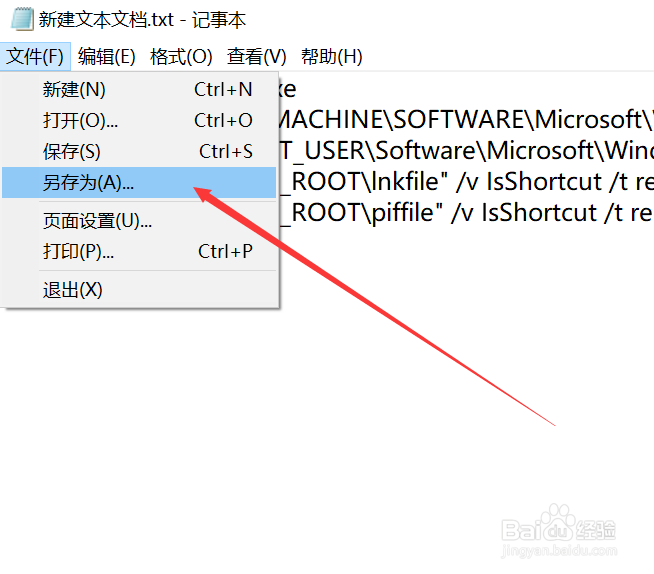
4、粘贴好之后点击左上角的文件>另存为
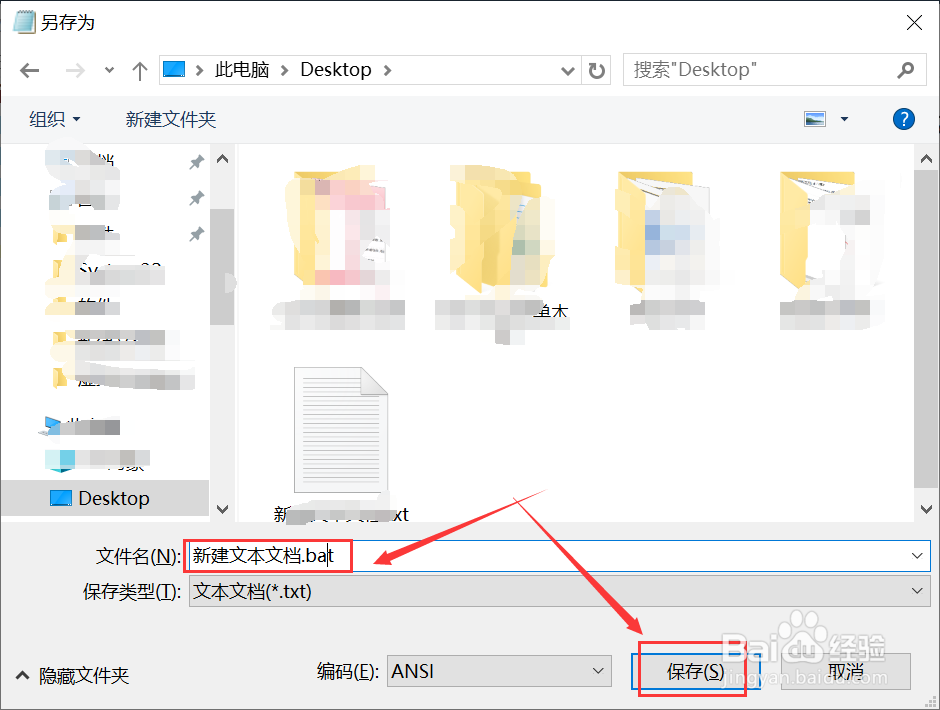
5、把储存位置改成桌面方便好找,并将文件的后缀改成bat格式,点击保存
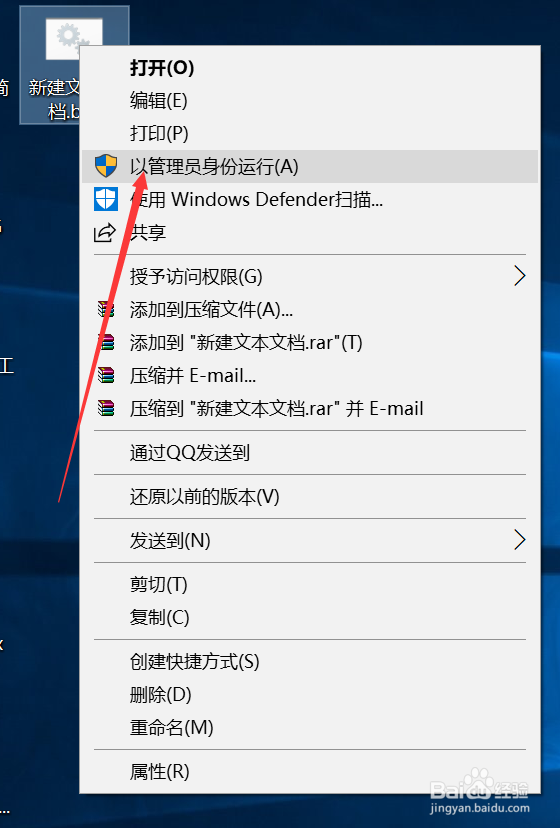
6、完成之后右键与管理员身份运行即可